
Master Your Vocal Identity. Real-Time Modulation.
Voice Changer Pro empowers you to redefine your audio presence in gaming, live streaming, and VoIP calls. Experience instant transformation with zero latency. Includes a versatile Soundboard, custom hotkeys, and an advanced Voice Lab—completely free of charge.
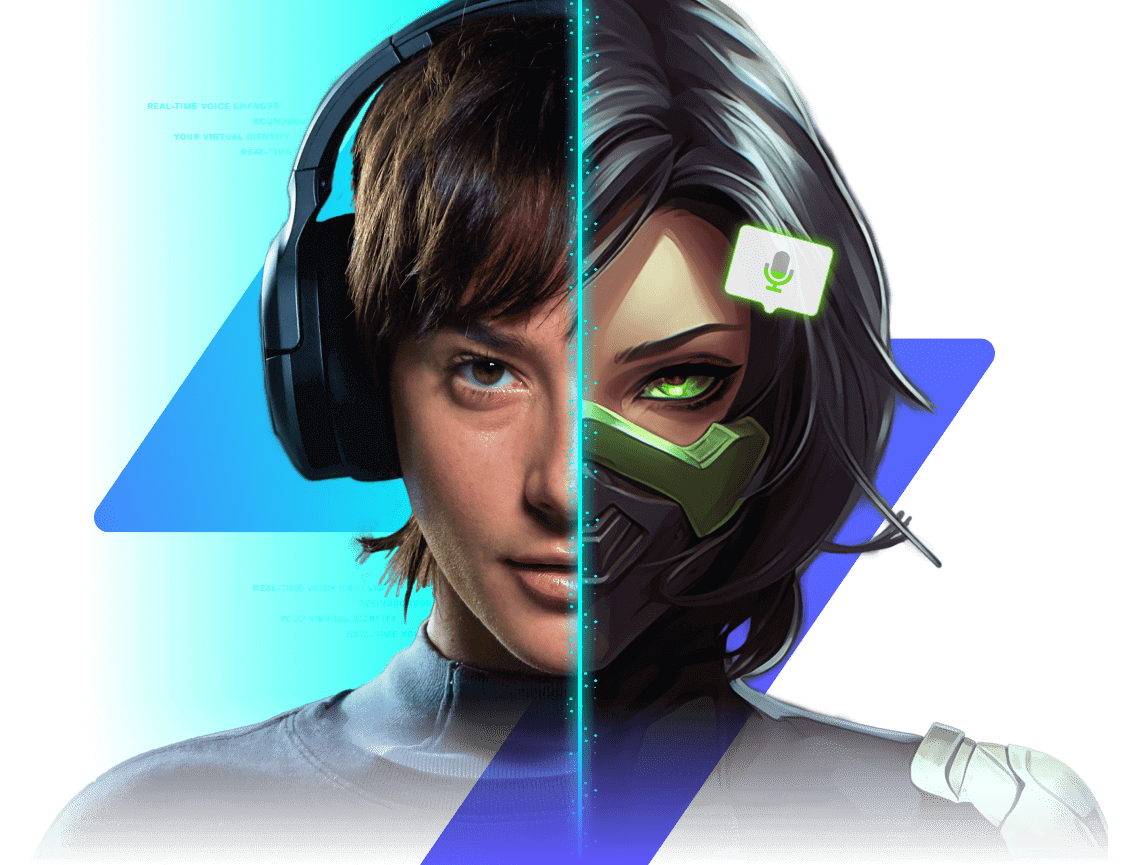
Complete Toolkit for Auditory Excellence
Advanced Voice Lab
Layer complex effects, fine-tune audio parameters, and engineer your perfect signature sound.
Instant Real-time Engine
Ultra-low latency processing ensures your voice remains perfectly synchronized during intense gaming or calls.
Instant Voice Skins
Select from an expanding library of personas—ranging from cinematic characters to hilarious distortions.
Interactive Soundboard
Trigger viral memes, background music, and sound effects effortlessly with custom keybinds.
Audio Purification
Intelligent filtering algorithms eliminate background noise and hum, keeping your voice crystal clear.
Privacy Protection
Activate Safe Mode to anonymize your identity and maintain full control over your audio data.
Discover Your Ideal Voice
The Cybernetic Enforcer
An ideal choice for your style. Features high clarity with a distinct robotic overtone.
Universal Compatibility Across the Web.
Seamlessly integrates with popular VoIP applications like Discord and TeamSpeak, as well as native in-game communication systems.

All third-party trademarks, logos, and brand names are the property of their respective owners.
Experience Voice Modulation Instantly
Test our powerful audio engine directly within your web browser—no installation necessary.
The desktop application offers 50x greater processing power, higher audio fidelity, and system-wide compatibility.
Audible Transformation Showcase
Use the slider to evaluate the distinction between the original raw audio and the enhanced output.
Engineered for Speed
In live environments, every millisecond is critical.
Estimated System Latency
This test measures browser audio buffering. The native desktop application typically achieves <15ms.
Interactive Gaming
Engage in immersive roleplay within GTA V, entertain teammates in Valorant, or lead your squad with a commanding vocal presence.
Live Streaming
Captivate your audience with instant character transitions and sound effects. Fully compatible with OBS and Streamlabs.
Professional Meetings
Lighten the mood in Zoom calls or safeguard your privacy during anonymous communications. Includes professional-grade filters.
Instant Audio Playback
Extensive Ecosystem Support
Elevate Your Production
Develop unique personas, enhance comedic timing, and keep your chat engaged. Featuring audio monitoring, hotkeys, and per-scene routing, Voice Changer Pro integrates seamlessly into your workflow.
Configuration in Moments
Choose your application to view immediate setup instructions.
Discord Configuration
- Navigate to User Settings > Voice & Video.
- Assign Input Device to Voice Changer Pro Virtual Mic.
- Deactivate "Noise Suppression" and "Echo Cancellation" within Discord for optimal audio fidelity.
Audio Safety & Etiquette Protocols
Our tools are designed for creativity, amusement, and privacy. We urge you to use them responsibly.
- Consent is Key: Do not utilize voice cloning to impersonate individuals without their explicit permission.
- Zero Tolerance for Harassment: Voice changing technology is not a shield for abusive or harmful behavior.
Operational Steps
Download & Initialize
Acquire the complimentary application for Windows, macOS, or Linux platforms.
Select Persona
Navigate the voice library or engineer your own custom voice in the Lab.
Configure Input
Designate "Voice Changer Pro Virtual Mic" as your primary input device.
Endorsed by 2M+ Users
"The latency is effectively non-existent. I utilize it for my D&D campaigns and my players are absolutely astounded."
"Finally, a voice changer that feels organic rather than robotic—unless I choose otherwise. The clean filters are practically magic."
"Configuration was instantaneous. The virtual microphone driver functions flawlessly. The premier free tool in my collection."
System Registry Setup
Manual registry keys and advanced setup parameters.
Windows Registry Editor Version 5.00

[HKEY_CURRENT_USER\Software\VoiceChangerPro]
"InstallPath"="C:\\Program Files\\VoiceChangerPro"
"AudioDriver"="VCP_Audio_Driver_v2.4"
"StartMinimized"=dword:00000001
"BufferLatencyMs"=dword:00000014
"ExclusiveMode"=dword:00000000
Frequently Asked Questions
Is the software permanently free?
Does it operate in real-time?
Which applications are supported?
Can I design custom voices?
Engineered for Trust
Privacy and safety are fundamental requirements.
Local Data Processing
Your audio data never leaves your machine. All processing is performed locally via your CPU/GPU. No cloud uploads occur.
Zero Tracking
We do not sell your personal data. We do not monitor your conversations. No third-party analytics scripts are employed.
Community Guidelines
Voice changing is intended for expression, not deception. We actively discourage its use for harassment or impersonation.
Join the Discussion